Useful basic control
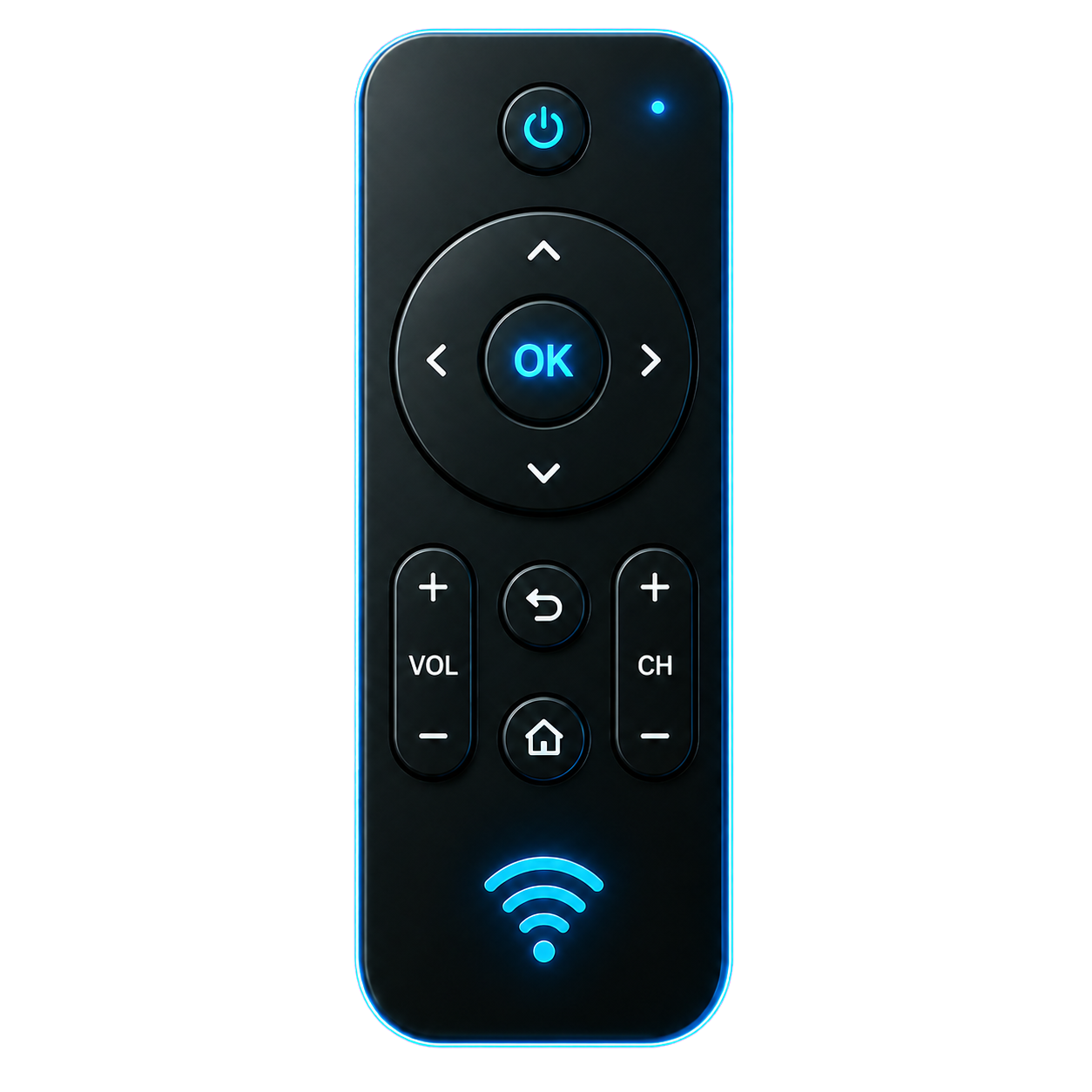
Power, volume, mute, navigation, OK, back and source/input for compatible devices.
 Fusion Remoteby CodeFusion
Android remote control
Closed beta
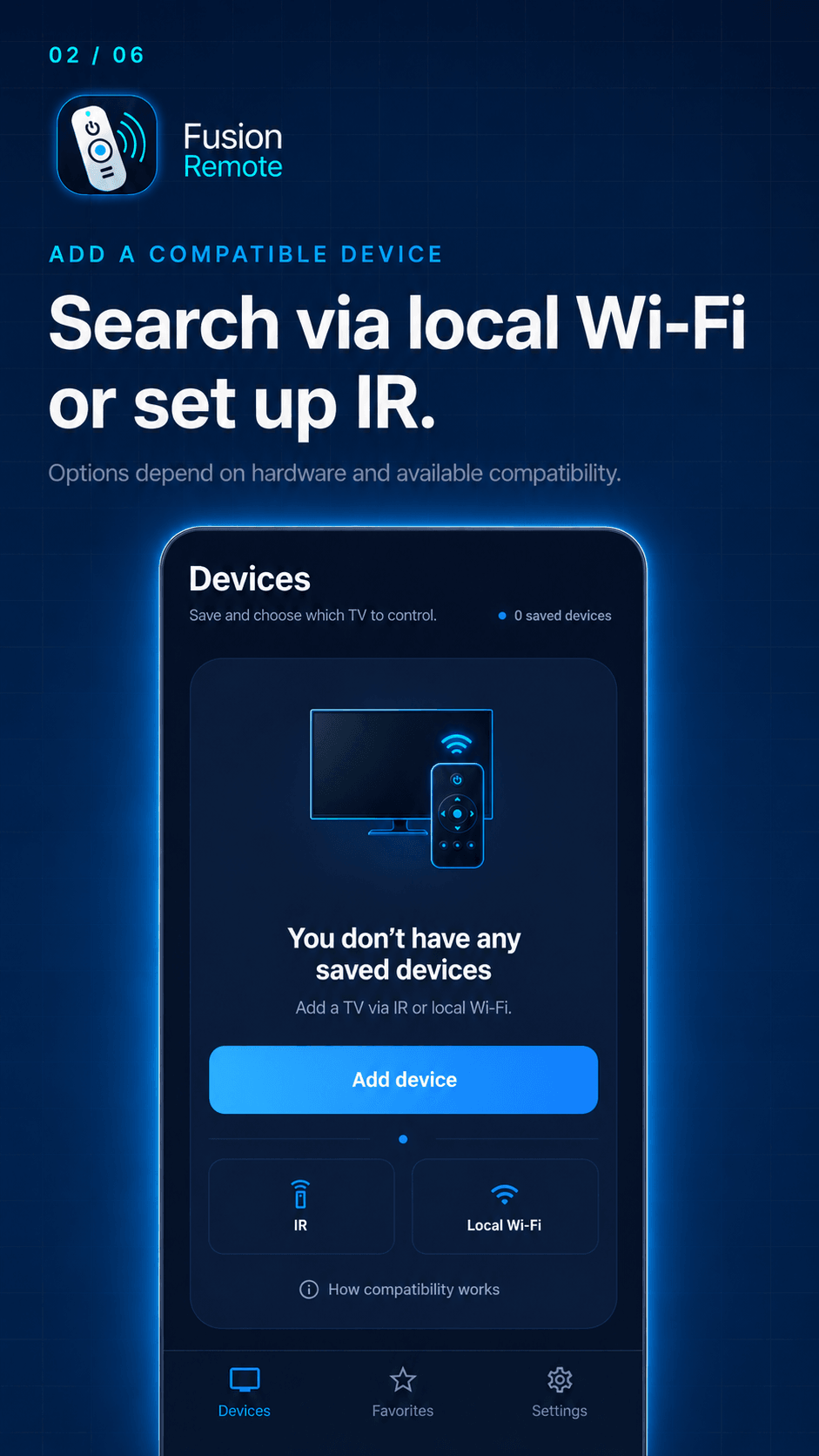
Keep essential controls close. Use infrared with a compatible emitter and profile, or local Wi-Fi with a compatible TV.
Access is limited to closed beta participants. No public download from this site.
Everyday use
When the remote goes missing or you switch devices, open Fusion Remote to reach essential controls from your phone.
Useful basic control, guided setup and quick access, with no ads or account.
Power, volume, mute, navigation, OK, back and source/input for compatible devices.
Use infrared when your phone supports it or local Wi-Fi/LAN when the device offers a compatible path.
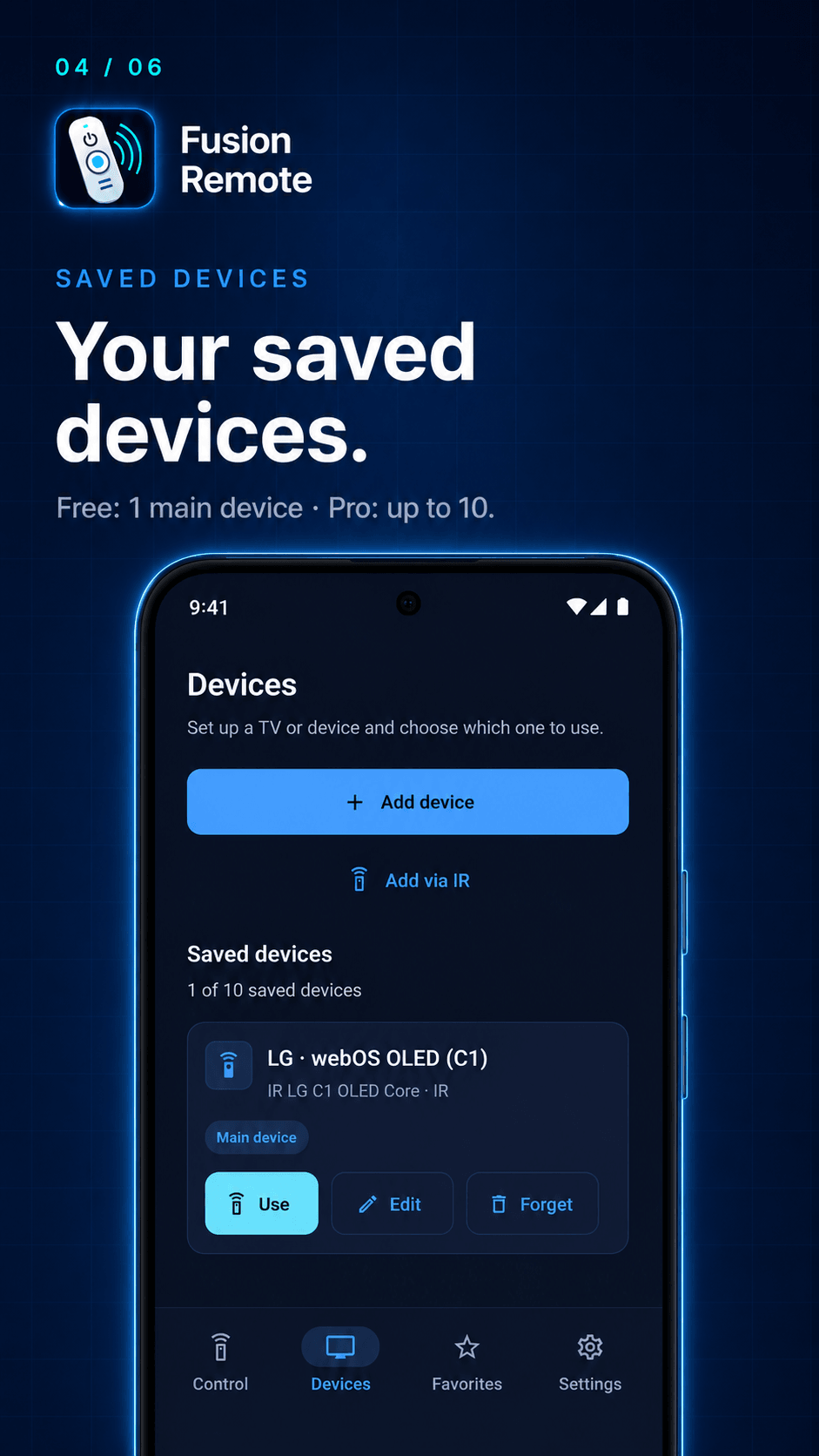
Save one device in FREE. PRO adds up to 10 devices and Favorites for the supported actions you use most.
No ads, no account and local preferences on the phone to keep control immediate.
Simple flow
Choose a compatible device, set up IR or the local network, and use the controls available for that device.
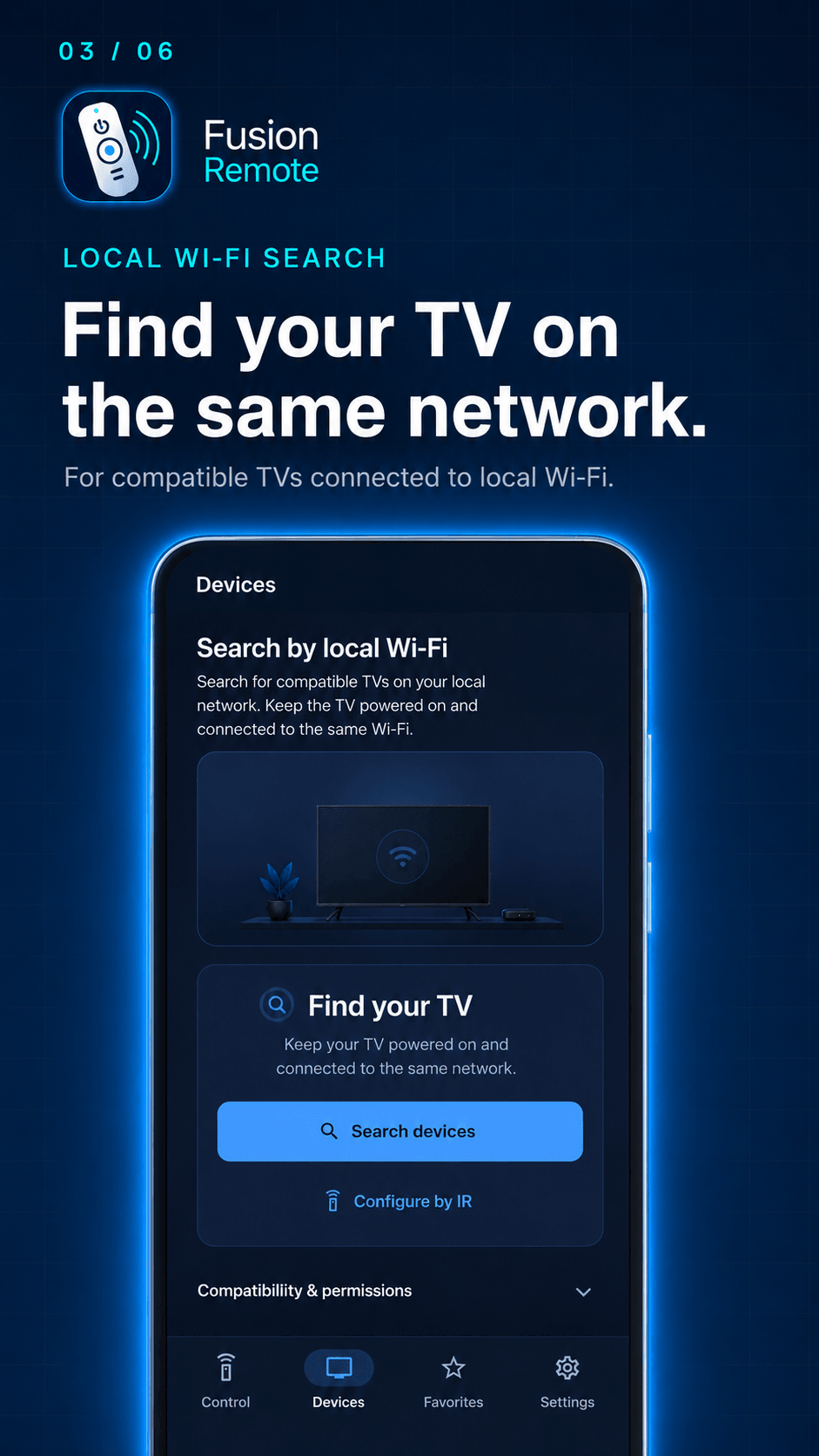
Find a compatible TV on your local network, or test and select an IR profile for your device.
Guided setup
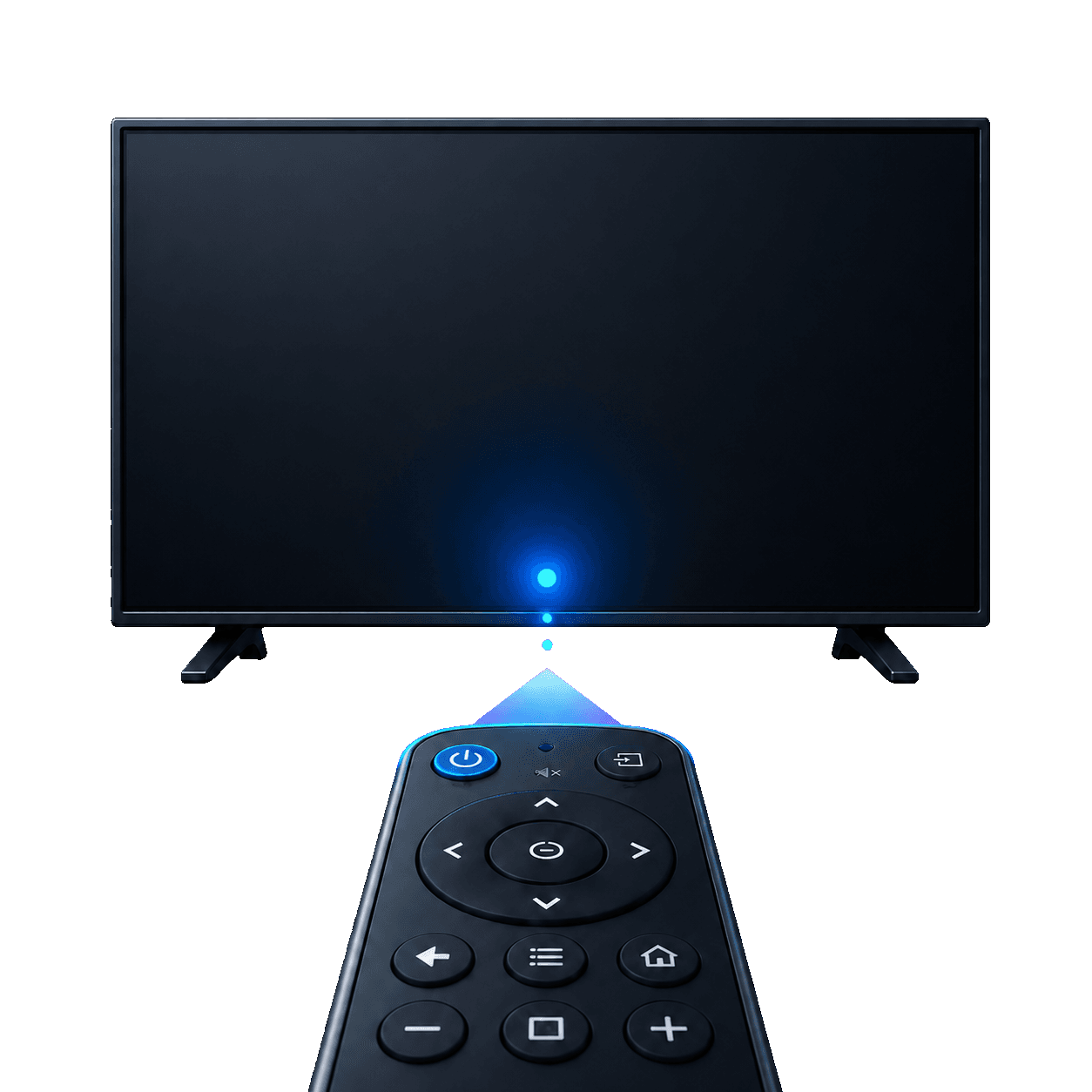
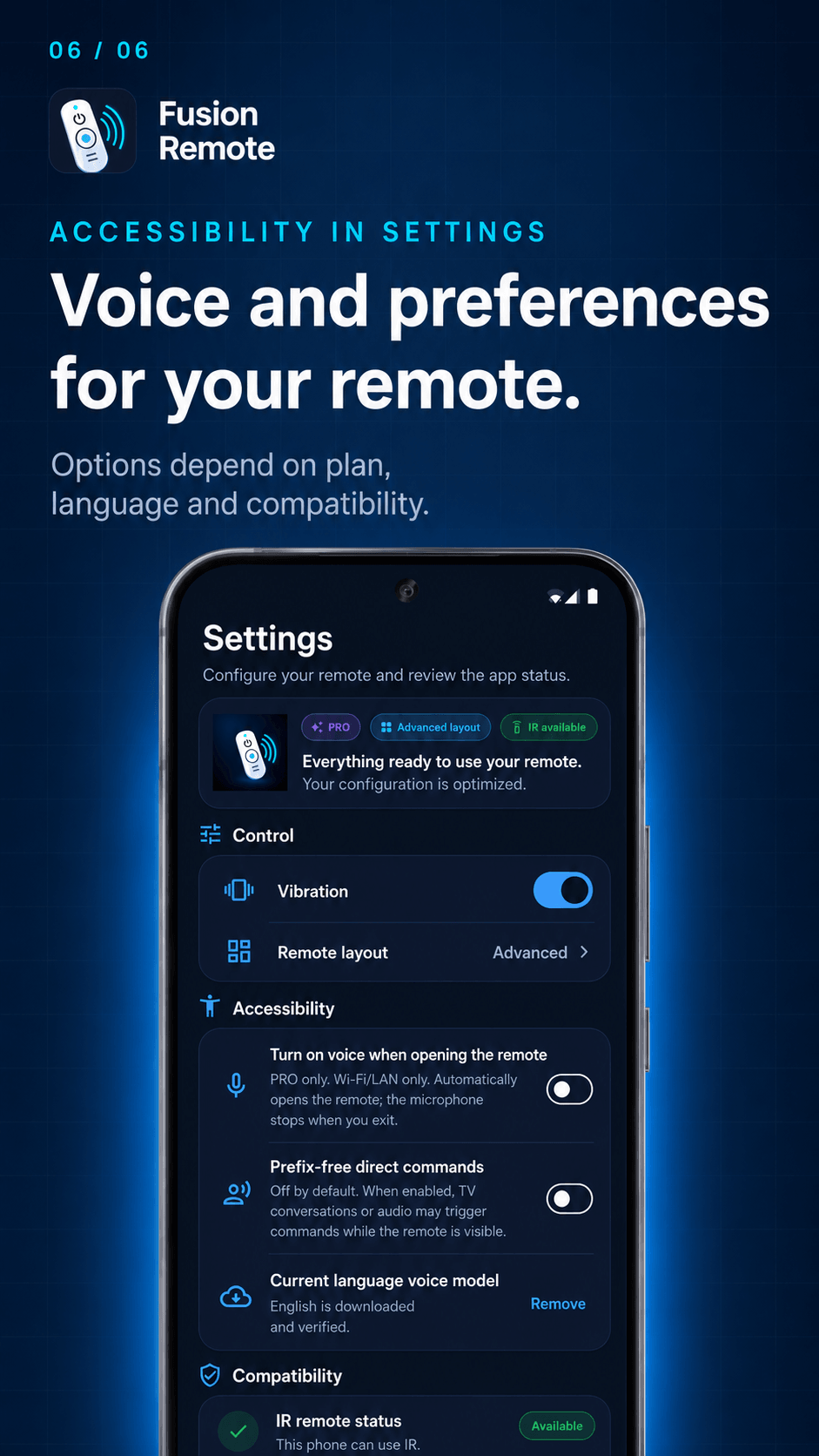
For LAN, use the same network and authorize control on the TV. For IR, you need a real emitter and must point your phone at the TV.
Local control
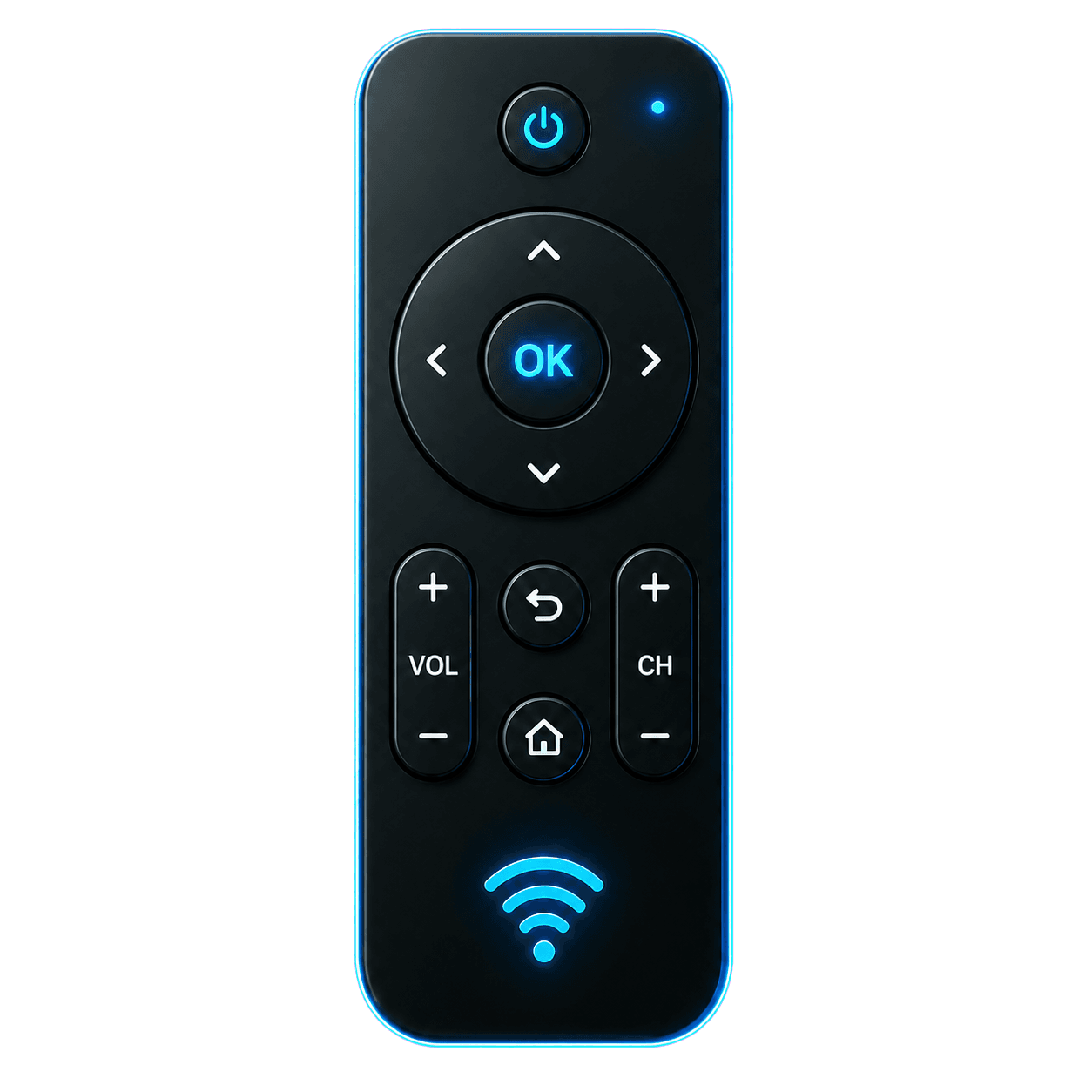
Use the FREE basic remote. PRO adds Favorites, voice and advanced controls according to each device’s capabilities.
Daily use
Tactile control
Capabilities are listed for compatible devices and can vary by brand, model, firmware and protocol.
Volume and mute in FREE; playback and other media controls in PRO, when the device supports them.
Channels and the 0–9 keypad in PRO, only when supported by the device and its protocol.
Save your frequently used compatible actions in PRO Favorites.
One main device in Basic and up to 10 saved devices in Pro.
Home, menu, settings and the advanced layout in PRO where supported. Source/Input is part of FREE when available.
Commands processed on your phone while the app is open, with microphone permission. Compatible LAN or IR with an emitter and selected profile.
Each action depends on the phone, protocol and device model.
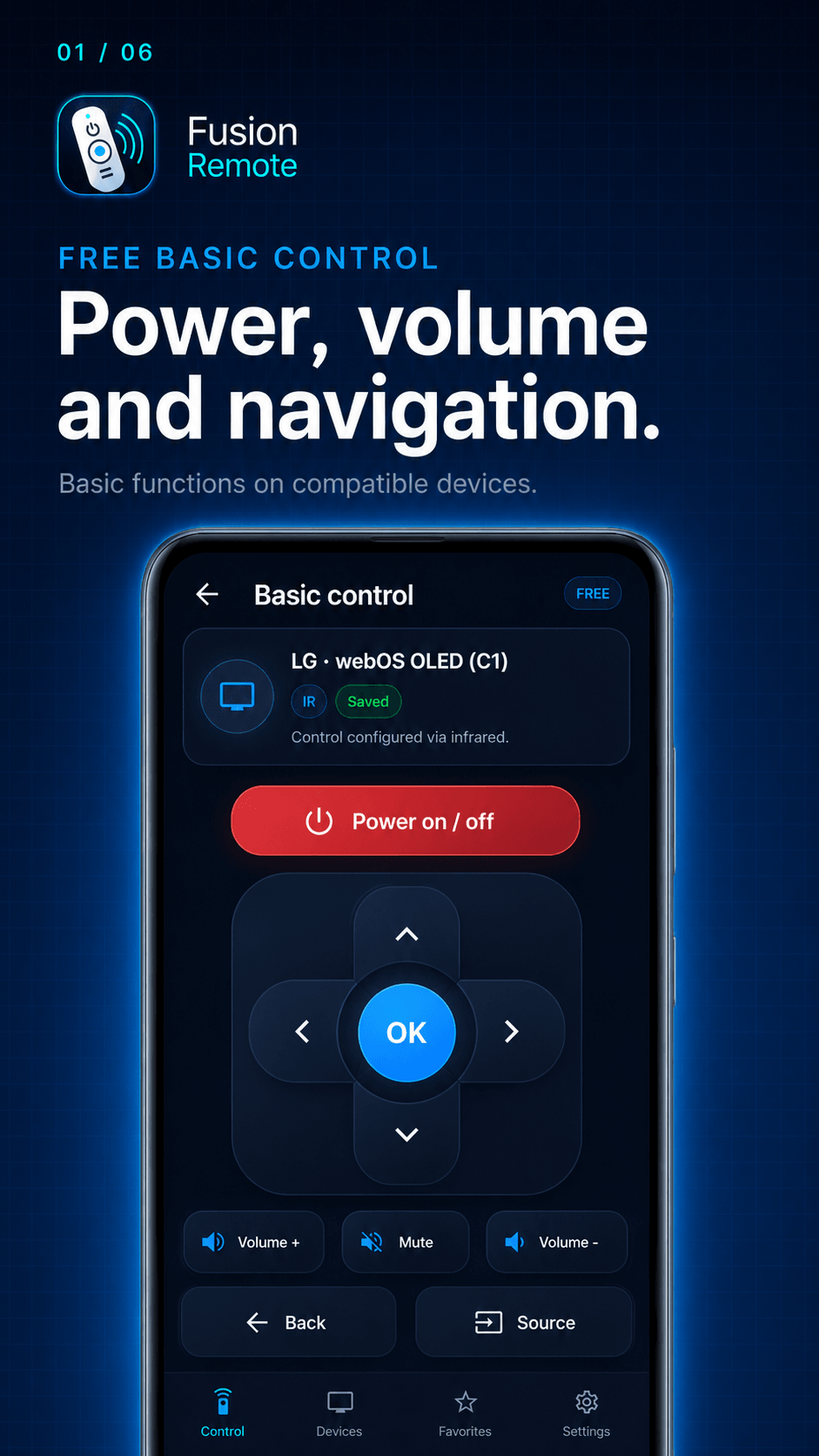
Illustrative images in English. The interface and available features vary by device.
First check how your device connects: an IR profile does not mean Wi-Fi control.
Profiles for Samsung, LG, Sony and Hisense. Requires a phone with a real IR emitter, selecting a profile and testing its buttons. Features vary between profiles; Hisense is included through researched profiles, without recorded physical validation, unlike the Samsung, LG and Sony core profiles.
Control for compatible Samsung Smart TVs and LG webOS TVs, with TV authorization and device-dependent capabilities. In PRO, LG webOS offers Netflix, YouTube, Prime Video and Disney+ launch paths tested on two TVs; operation on every model is not guaranteed. Samsung offers no LAN app launchers and HBO remains outside the LAN catalog. Sony and Hisense IR profiles do not enable LAN control.
Compatibility is progressive and depends on the phone, model, firmware and protocol. PRO does not guarantee more buttons on every device. There is no control outside the local network or automatic switch from LAN to IR.
Control options
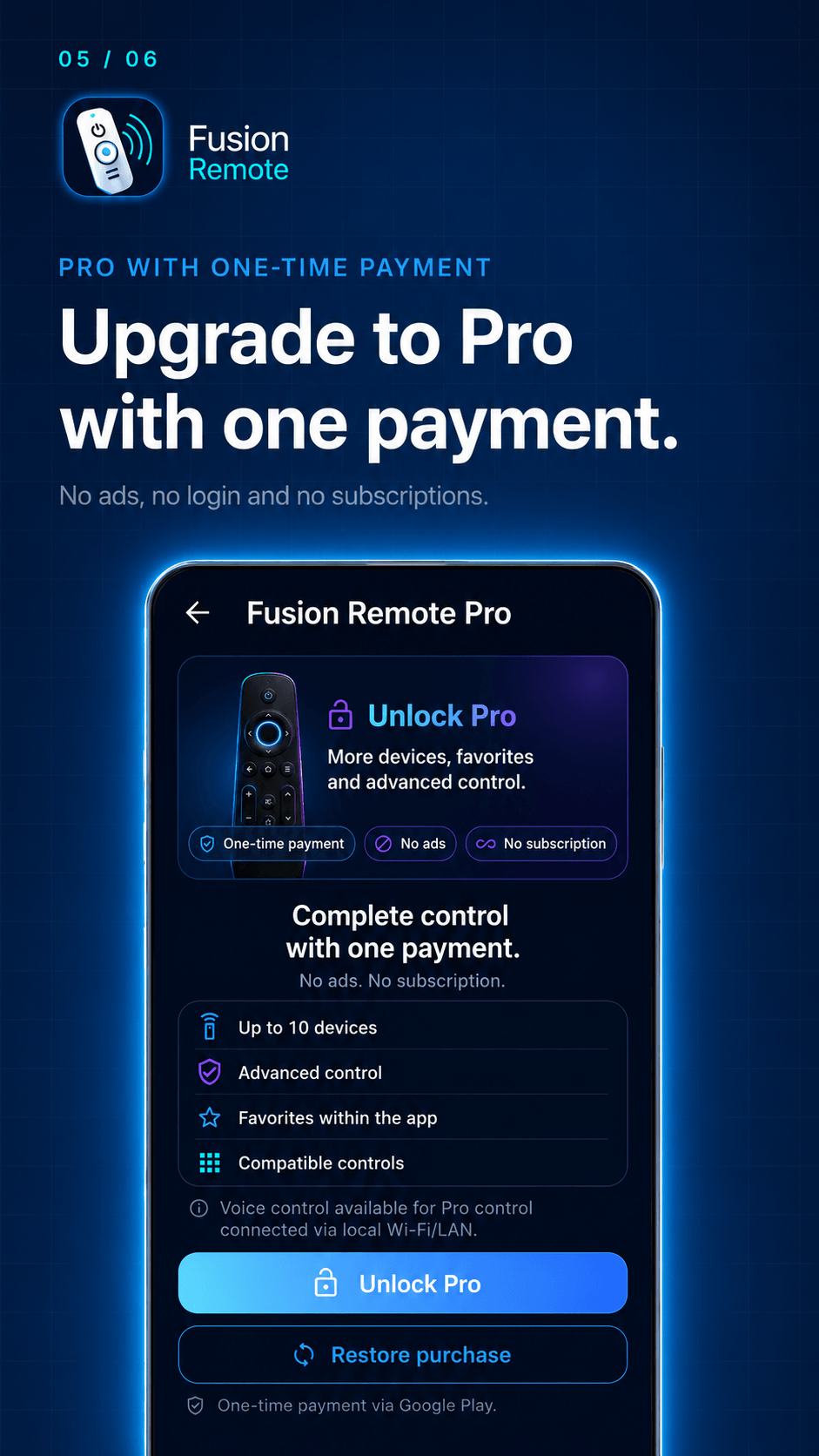
FREE controls and saves one compatible device. PRO adds up to 10 devices, Favorites and extended controls with a one-time purchase, where supported.
The essentials for everyday remote replacement.
Everything in FREE, plus more devices, Favorites and extended controls when the device supports them.
Buying PRO unlocks plan features; it does not add compatibility to the TV. Google Play manages purchase and restoration; no subscription.
Fusion Remote is in closed beta, with access limited to its participants. Samsung and LG LAN integrations have been physically validated on tested devices; this does not guarantee every model. This page does not open enrollment or offer a public download.
Learn how Fusion Remote uses data and permissions:
Privacy Policy